Amazon Music Visualizer
Add a visual dimension to your Amazon Music listening. vizz.fm is a free, browser-based visualizer that reacts to your HD and Ultra HD tracks in real time. No installation needed.
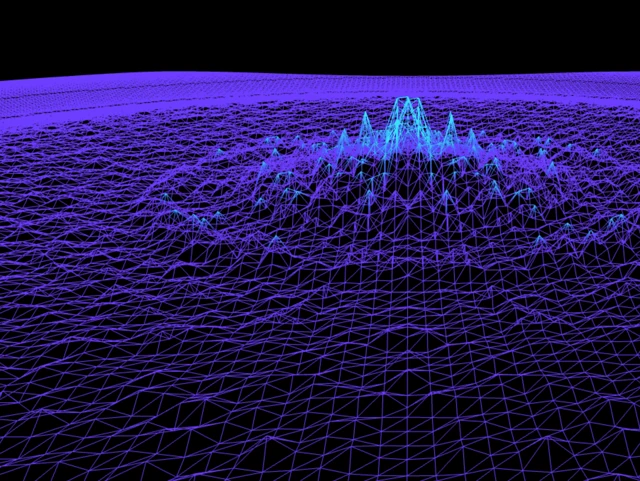
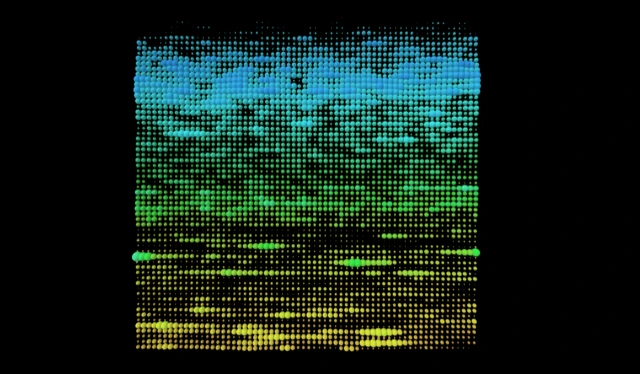
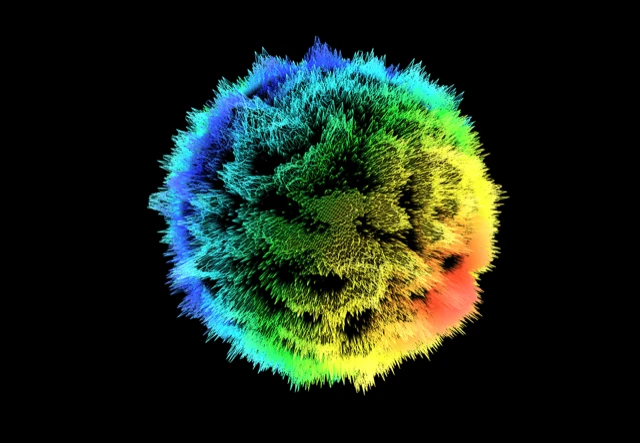
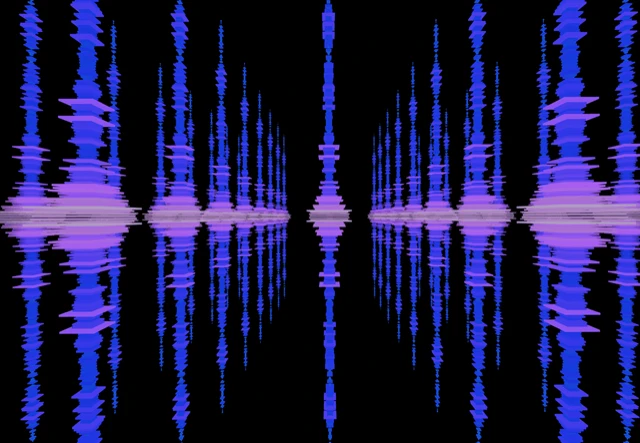
See it in action
Click any preview to run it with your own music





How to visualize your Amazon Music music
Amazon Music supports HD and Ultra HD audio, and if you're already on Prime, you have it. Either way, vizz.fm adds a visual layer that Amazon's own interface has never offered.
Ultra HD tracks (up to 24-bit/192kHz) deliver exceptionally detailed frequency data. That extra resolution translates directly into more responsive, more nuanced visualizations in vizz.fm. You'll notice differences in how different genres and masters look compared to standard-quality streams.
How to connect Amazon Music to vizz.fm
In Chrome, Edge, or Brave, you can capture your computer's audio with a few clicks using screen sharing, no extra software needed. The visualizer gets a direct, full-quality feed of whatever Amazon Music is playing.
Play something on Amazon Music
Open Amazon Music and start playing anything. The audio just needs to be running.
Open vizz.fm and select System audio
In the audio source picker, choose System audio. Your browser opens its “Choose what to share” dialog.
Share with audio turned on
Pick the Amazon Music window (or your entire screen), turn on “Also share system audio” at the bottom of the dialog, and click Share. The visualizer starts reacting immediately. Our screen sharing guide walks through it with screenshots.
Prefer a virtual audio device, or using a different browser? Follow our system audio capture guide to route audio with an application like BlackHole, Loopback, or VoiceMeeter, then select the device as your Microphone input. It's a one-time setup that takes a few minutes and works in every browser.
Platform notes
Amazon Music has a desktop app and a web player. The desktop app supports Ultra HD audio quality, which means richer frequency data for the visualizer to work with. The web player maxes out at HD quality but still works great.
If you primarily use Alexa to play Amazon Music, note that the audio needs to be playing on the same computer running vizz.fm. You can cast to your desktop by selecting it as the playback device in the Amazon Music app.
On mobile?
Virtual audio devices aren't available on phones, but the microphone works as a quick alternative. Play Amazon Music on a nearby speaker, open vizz.fm, and select Microphone. It won't be as clean as routing audio directly, but in a quiet room it works better than you'd expect.
What can you do with it?
Once Amazon Music is connected, you have full control over how your music looks. vizz.fm includes dozens of WebGL visualizers (particle systems, waveforms, shaders, 3D meshes), all reacting to your audio in real time. Every visualizer has its own set of controls for colors, speed, intensity, and geometry.
You can also layer on effects like kaleidoscope, bloom, and CRT scanlines. Save your favorite combinations as presets and switch between them mid-song. If you want to go deeper, you can tie any slider to a specific frequency range: bass drives particle size, treble drives rotation, whatever combination feels right.

Amazon Music, on screen.
Open the app, connect your audio, press play.