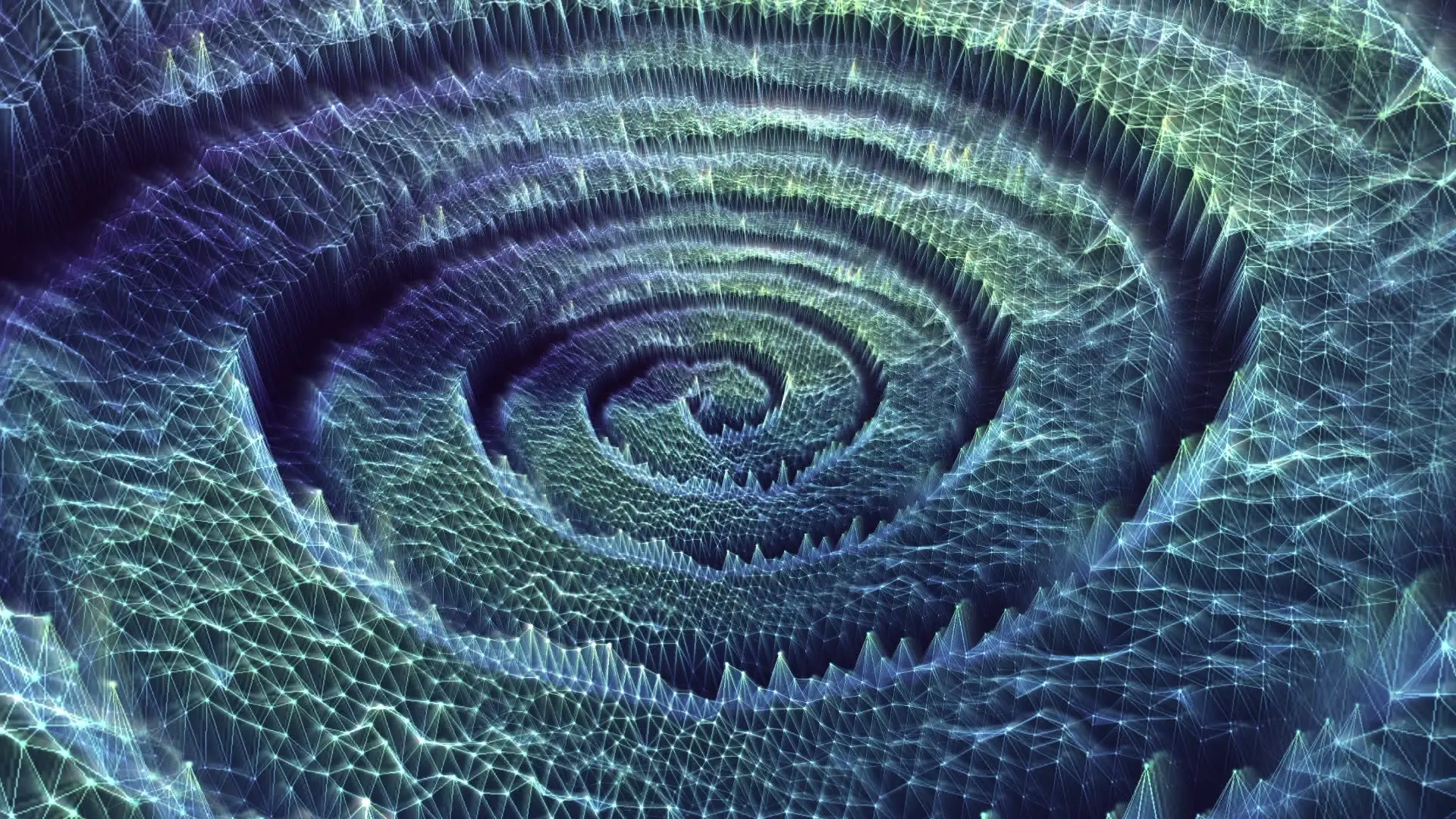
See it in action
Every song hits different.
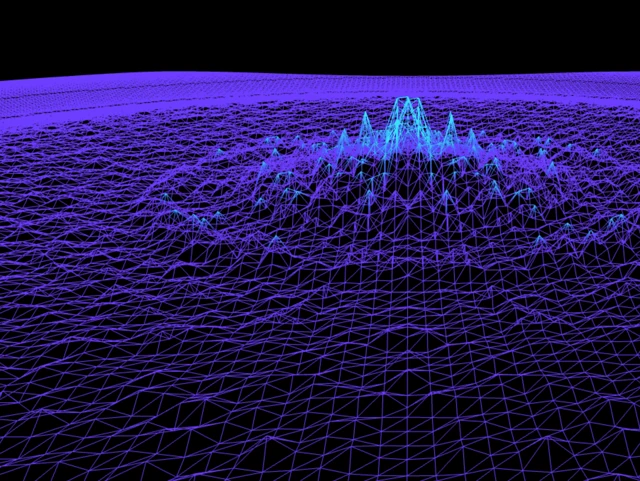
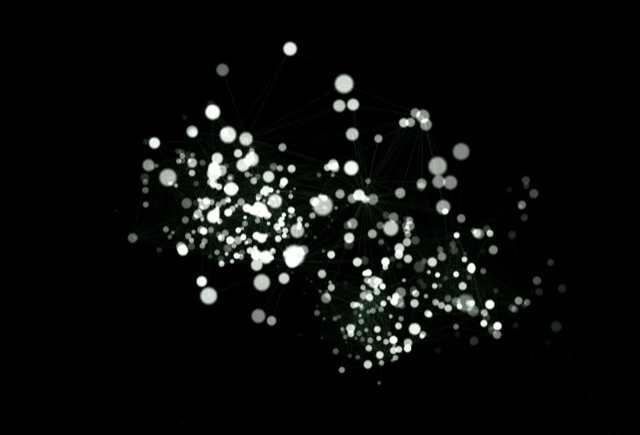
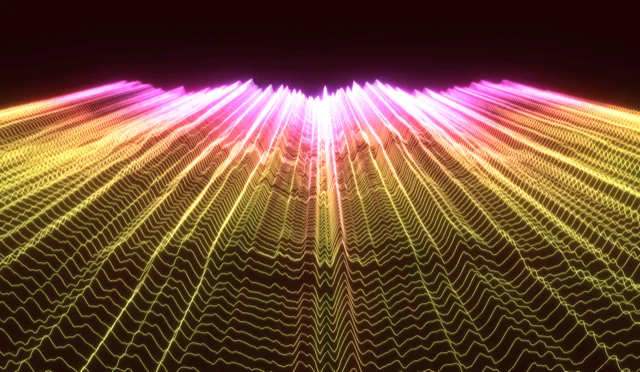
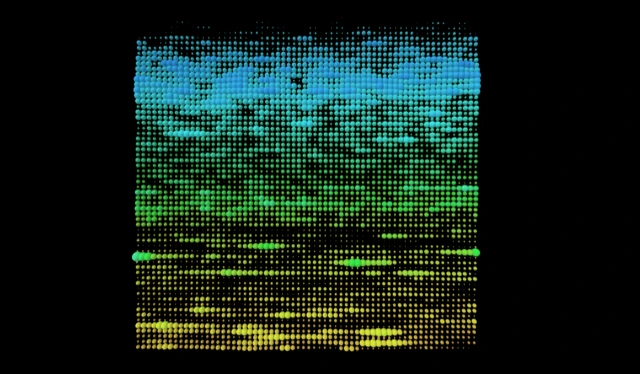
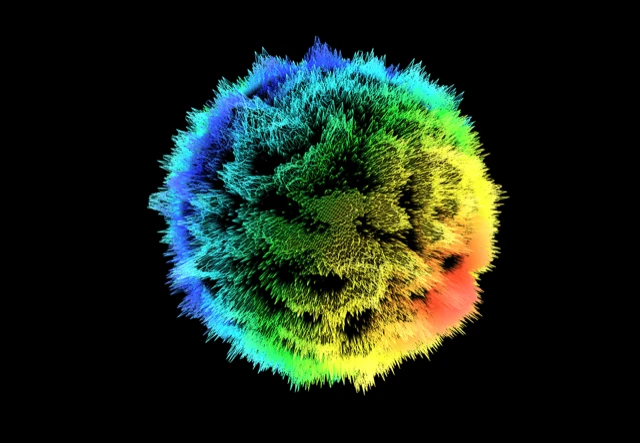
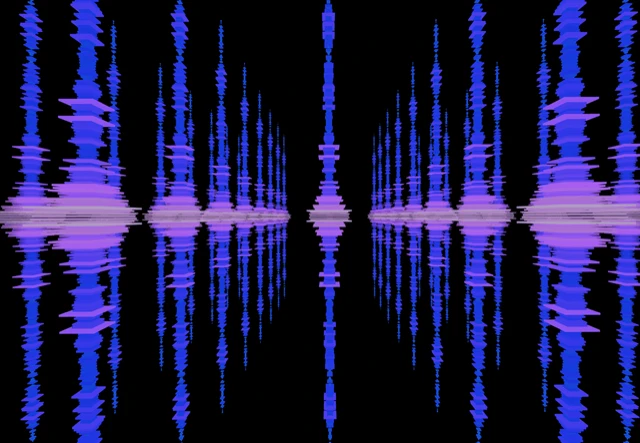
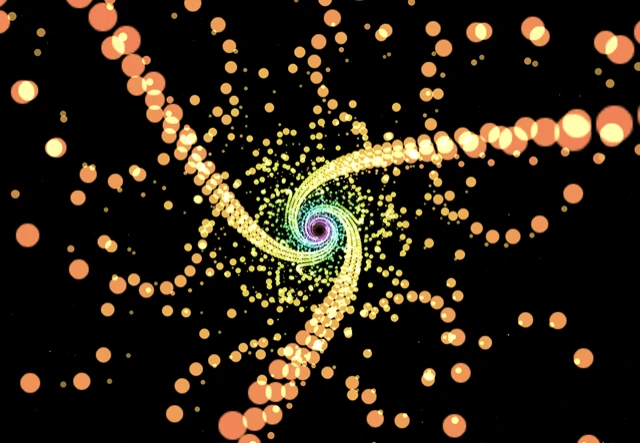
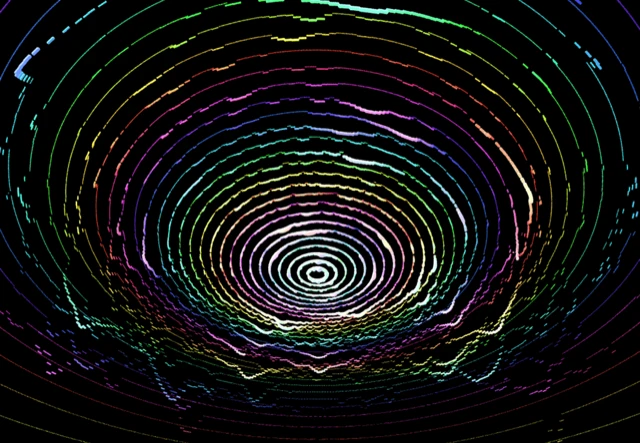
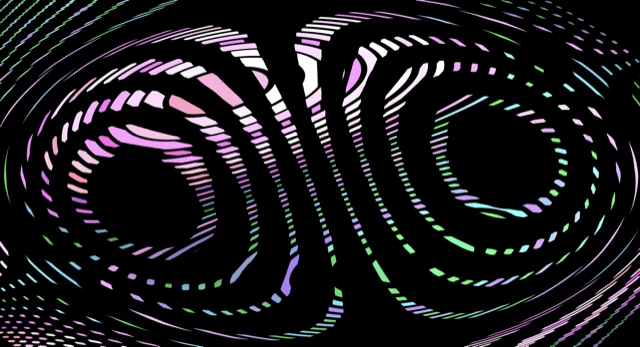
Dozens of visualizers that react to your music in real time. Click on one to try it out.
How it works
Get started in seconds.
01
Connect your audio
Connect your mic, upload a file, paste a SoundCloud link, or capture your system audio. If you can hear it, vizz.fm can see it.
02
Pick a visualizer
Browse dozens of visual styles, from flowing particles to glowing waveforms to trippy shaders. Find one that fits your vibe.
03
Make it your own
Adjust colors, speed, intensity, sensitivity, and more. Save presets you love, share them with a link, and remix them anytime.
Go deep
Intensely customizable.
Dial in the audio
Fine-tune gain, noise gates, bass attenuation, or remap the spectrum. Shape how your visualizer hears the music.
Tweak the visuals
Every visualizer exposes its own controls: colors, speed, intensity, geometry. Dial them in by hand or let the audio hijack them.
Add post-processing
Layer on 30+ effects: kaleidoscope, bloom, CRT, and more. Stack them on top of any visualizer to create something entirely new.
Who's this for
Built for people with synesthesia.
For anyone who wants to give audio an extra dimension.
Music Lovers
Turn on, tune in, drop out.
Musicians & Producers
See your mix come alive. Spot the bass drop, feel the buildup, watch the spectrum of your track in real time.
DJs & VJs
Live visuals that react to your set. No pre-rendered loops. It's all real-time, all reactive.
Streamers
Background visuals that make your stream look professional. Audio-reactive eye candy your chat will love.
Content Creators
Record synced video exports for YouTube, TikTok or Instagram. Your music deserves better than a static waveform.
Podcasters
Give your podcast a visual identity. Create a dynamic visual component to your video content.
FAQ
Questions?
Contact
Get in touch
Have a bug report, feature request, or general feedback?
or reach out directly
Ready to see your music?