Windows Media Player Visualizations, Online and Free
Microsoft removed the visualizations from Windows Media Player. vizz.fm brings them back: open it in your browser, play anything, and watch your music again. Nothing to download, and it works on Windows 11, Mac, and Linux.
What happened to the Windows Media Player Visualizer?
Windows Media Player was the default music experience for a generation of PC users, and its built-in visualizations were many people's first encounter with music visualization. Alchemy, Bars and Waves, Battery, Ambience, Plenoptic: you picked one from the right-click menu, hit play, and your music turned into something you could watch. No plugins, no setup, no idea how any of it worked.
Microsoft gradually deprioritized WMP starting with Windows 8, pushing people toward the Groove Music app instead. Then they killed Groove too. The Windows 11 "Media Player" app is a clean, capable music player, but the visualizations are gone entirely. No Alchemy, no bars, no waves. Just album art on a blurred background.
There is no official way to get them back. The old WMP visualization plugins were built against a Windows API that modern Windows no longer exposes, so even the download sites that still host them have nothing that will run. If you have gone looking for a Windows Media Player visualizations download and come up empty, that is why.
It wasn't alone: every major player dropped its visualizer, and the story of why is its own article.
What made it special
The WMP visualizations weren't as technically advanced as Milkdrop, but they had their own charm. Alchemy's shifting geometric patterns were hypnotic, and it is the one people remember by name. Bars and Waves gave you a clean, direct reading of your audio: a spectrum analyzer and an oscilloscope, side by side. Battery turned your music into abstract, pulsing energy fields.
What made them great was accessibility. They were right there, built into the OS, zero configuration required. You didn't need to know what a frequency spectrum was or how FFT analysis worked. You pressed play and your music looked cool. That simplicity is exactly what's missing from modern music playback, and it is the part worth rebuilding.
Meet vizz.fm
vizz.fm brings that simplicity back: open it in your browser, connect your audio, and your music has visuals again. No installation, no plugins, no download, and nothing that can go out of date with the next Windows update. It's as close to the "just press play" experience of WMP as you can get today, but with dramatically more powerful visuals.
Where WMP gave you a handful of visualization modes, vizz.fm offers dozens of WebGL scenes: particle systems, 3D meshes, custom shaders, waveform displays, all reacting to real-time frequency analysis. If you came here for Alchemy specifically, the closest descendants are the shader scenes, which bloom and fold through color the same way. If you want the honest spectrum-analyzer look of Bars and Waves, the frequency bar and waveform scenes do exactly that, with far more resolution than WMP ever had.
Every parameter is customizable, which is the part WMP never offered. Colors, speed, intensity, geometry: each scene has its own controls, and you can wire any of them to a specific frequency range so the bass drives the geometry while the treble drives the color. Save your favorites as presets and switch between them instantly.
It works with any audio playing on your computer. Capture your system audio and Spotify, YouTube, Apple Music, or any other app becomes a live input for the visualizer.
Getting started
vizz.fm runs entirely in your browser. There's nothing to install and no account to create.
Open vizz.fm
Head to the free music visualizer app in any modern browser. Chrome, Firefox, and Brave all work great.
Connect your audio
Upload a file (MP3, WAV, FLAC), use your microphone, or capture your system audio to visualize whatever's playing on your computer.
Pick a visualizer and customize
Browse the available scenes, tweak the controls, and save your favorites as presets. Every parameter is adjustable in real time.
Common questions
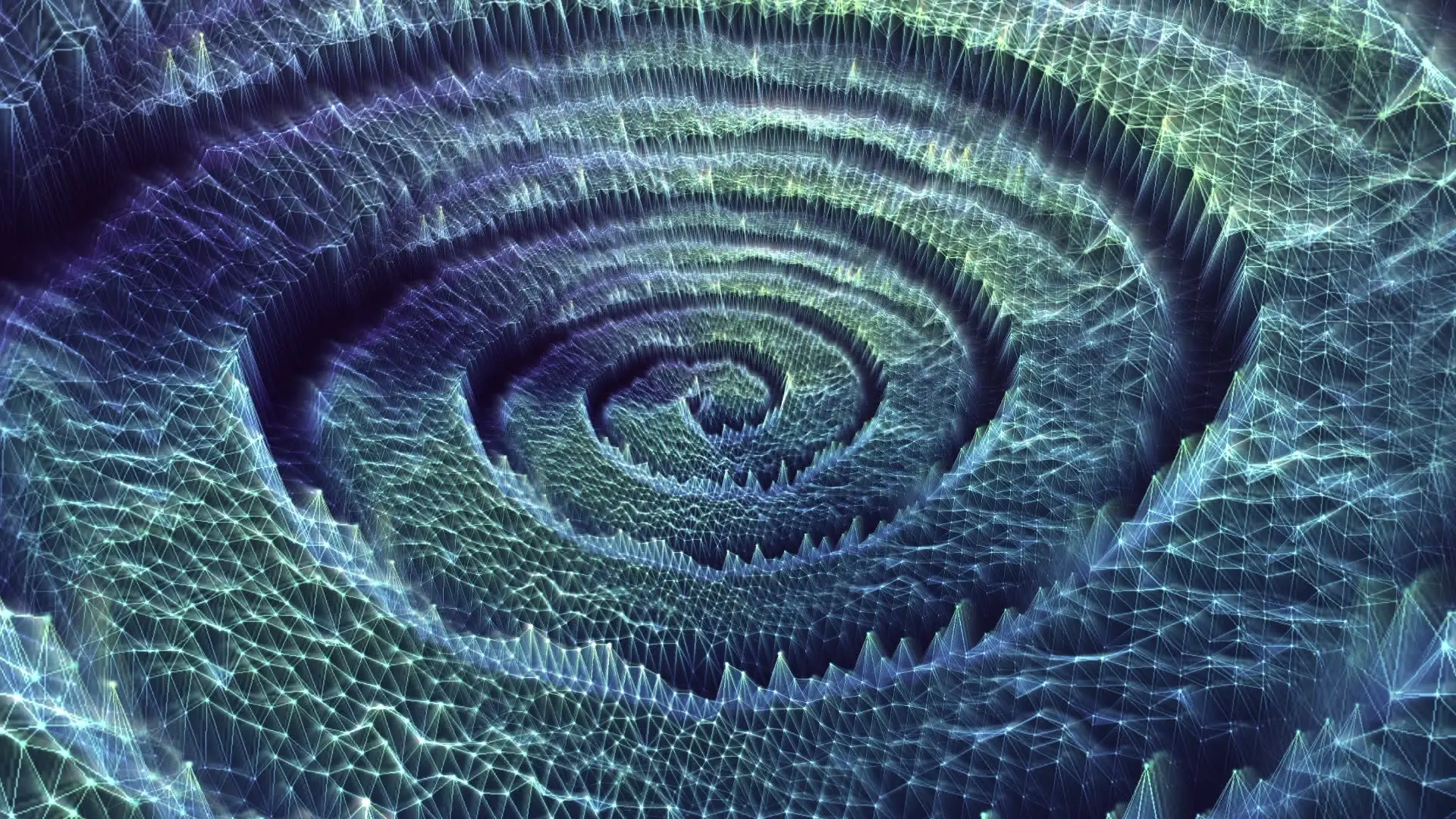
Alchemy, rebuilt for the browser.
Free, in your browser, no install.