Music Visualizer for DJs
Real-time visuals for your DJ sets, powered by your actual audio. vizz.fm runs in the browser, reacts to every beat, and lets you switch between looks on the fly. Free, no downloads.
Why use a visualizer for DJs and VJs?
Good visuals elevate a DJ set from something you hear to something you experience. Professional VJ software exists, but it's expensive, complex, and overkill for many situations. If you're playing a house party, a small venue, a live stream, or just want visuals for your practice sessions, you don't need Resolume. You need something that works instantly.
vizz.fm fills that gap. It runs in a browser tab, reacts to your audio in real time, and gives you enough control to create looks that feel intentional without requiring hours of setup. Route your DJ software's audio through a virtual device, pick a visualizer, and you're running.
The preset system is key for live use. Build a library of looks ahead of time (dark and moody for deep house, bright and frenetic for techno, minimal for ambient) and switch between them during your set. The morph feature can even animate smoothly between presets over a configurable duration, so transitions feel as intentional as the music.
How to set it up
Route your DJ software's audio
Set up a virtual audio device (BlackHole on Mac, VoiceMeeter on Windows) so vizz.fm can hear your DJ output. Whether you're using Serato, Traktor, Rekordbox, or Ableton, the system audio approach captures whatever's coming out of your software.
Build your preset library
Before your set, spend time creating presets for different vibes. Adjust colors, intensity, and effects for each one. Name them something you'll recognize quickly.
Go full-screen on a second display
Drag the vizz.fm browser window to your projector or second monitor and hit full-screen. Your primary screen stays free for your DJ software. Switch presets from the controls panel when you want to change the look.
Use morph transitions
Instead of hard-cutting between looks, use the morph feature to smoothly animate from one preset to another. Set the duration to match your musical transition: 8 bars, 16 bars, whatever feels right.
Tips
Tie controls to specific frequencies. You can wire any slider to a frequency range: bass to particle size, treble to rotation speed, mids to color intensity. It makes the visuals feel like they're part of the music, not just reacting to volume.
Keep it simple for live use. Complex visualizers look amazing but can distract from the music. For most DJ sets, one or two well-tuned presets are better than constantly switching.
Test with your actual setup beforehand. Run through your audio routing, preset switching, and display setup before you're in front of an audience. Make sure your laptop can handle the DJ software and WebGL rendering simultaneously.
Pair with post-processing effects. Kaleidoscope on a minimal scene can create stunning geometric patterns. Bloom on a particle visualizer gives it a dreamy glow. Layer one effect at a time, since stacking too many tanks performance.
Works with any audio source
vizz.fm works with whatever you're playing. Route audio from Spotify, YouTube, Apple Music, SoundCloud, or any other app via screen sharing or a virtual audio device. Or upload files directly, or just use the microphone to pick up whatever's playing in the room.
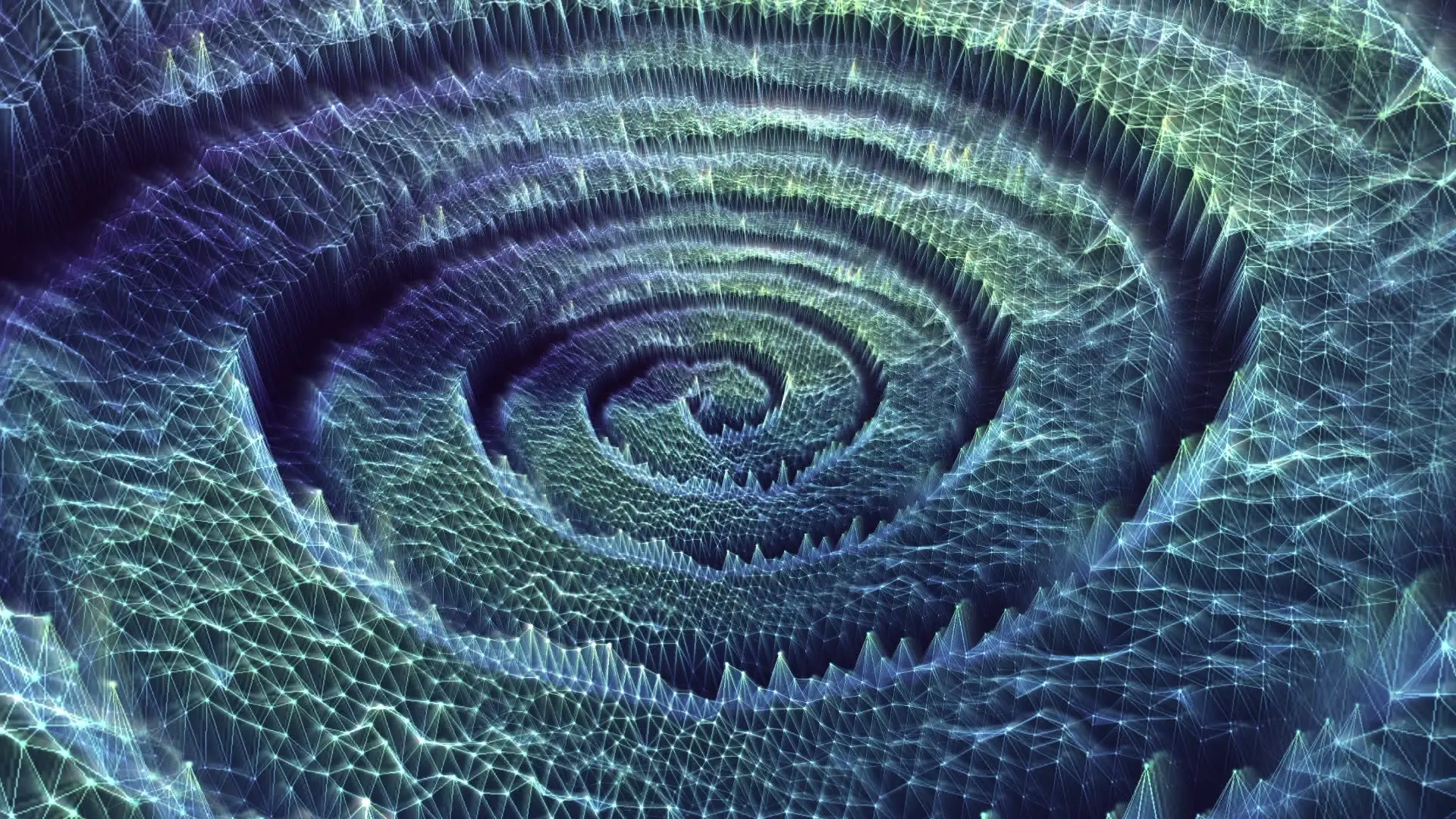
Visuals for your next set.
No VJ software, no license, no install.