SoundCloud Visualizer
Paste any SoundCloud link and watch it in real time. vizz.fm plays tracks, DJ sets, and unreleased music straight from SoundCloud into free, browser-based visuals, on desktop and on your phone.
See it in action
Click any preview to run it with your own music





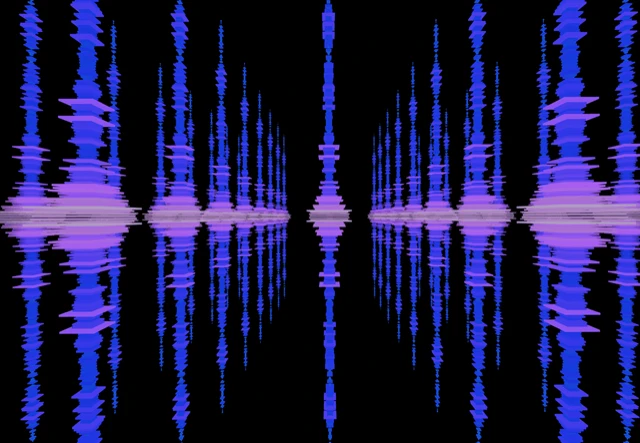



How to visualize your SoundCloud music
SoundCloud is where you find the stuff that isn't on other platforms: unreleased tracks, multi-hour DJ sets, remixes, bootlegs, bedroom productions. It's the platform where artists experiment, and that experimental energy deserves more than SoundCloud's default waveform.
Visualizing a 2-hour DJ set with vizz.fm is a different kind of listening experience. You can see the transitions between tracks, feel the buildups, and watch the energy shift across the mix. For shorter tracks, it's a way to discover how music looks, genre by genre, artist by artist.
How to connect SoundCloud to vizz.fm
SoundCloud is the one platform vizz.fm can play directly. No screen sharing, no extra software, and it works on phones too.
Copy a SoundCloud link
A track or a whole set. The share link from the SoundCloud app or site both work.
Open vizz.fm and select SoundCloud
In the audio source picker, choose SoundCloud and paste the link.
Press play
The track streams from SoundCloud and the visualizer reacts to it. Sets play through track by track, with skip controls on screen.
Some tracks are restricted by their uploader and can only be played on SoundCloud itself. For those, the screen-share route below still works.
Other ways to connect
In Chrome, Edge, or Brave, you can capture your computer's audio with a few clicks using screen sharing, no extra software needed. The visualizer gets a direct, full-quality feed of whatever SoundCloud is playing.
Play something on SoundCloud
Open SoundCloud and start playing anything. The audio just needs to be running.
Open vizz.fm and select System audio
In the audio source picker, choose System audio. Your browser opens its “Choose what to share” dialog.
Share with audio turned on
Pick the SoundCloud window (or your entire screen), turn on “Also share system audio” at the bottom of the dialog, and click Share. The visualizer starts reacting immediately. Our screen sharing guide walks through it with screenshots.
Prefer a virtual audio device, or using a different browser? Follow our system audio capture guide to route audio with an application like BlackHole, Loopback, or VoiceMeeter, then select the device as your Microphone input. It's a one-time setup that takes a few minutes and works in every browser.
Platform notes
Prefer to keep SoundCloud playing in its own tab or in the desktop app? Capture your system audio and both work side by side: SoundCloud plays the music, vizz.fm visualizes it.
On mobile?
Pasting a SoundCloud link works on phones and tablets too, in Safari and Chrome. Copy the link from the SoundCloud app, open vizz.fm, choose SoundCloud, and paste.
What can you do with it?
Once SoundCloud is connected, you have full control over how your music looks. vizz.fm includes dozens of WebGL visualizers (particle systems, waveforms, shaders, 3D meshes), all reacting to your audio in real time. Every visualizer has its own set of controls for colors, speed, intensity, and geometry.
You can also layer on effects like kaleidoscope, bloom, and CRT scanlines. Save your favorite combinations as presets and switch between them mid-song. If you want to go deeper, you can tie any slider to a specific frequency range: bass drives particle size, treble drives rotation, whatever combination feels right.

That set deserves visuals.
Open the app, paste a SoundCloud link, press play.