Music Visualizer for Parties
Put your music on the big screen. vizz.fm turns any TV, monitor, or projector into a real-time audio visualizer: free, browser-based, and zero setup required.
Why use a visualizer for parties?
A good playlist sets the mood at a party. A good visualizer makes the whole room feel it. Whether it's on the living room TV, a projector against the wall, or a monitor in the corner, real-time visuals that react to the actual music transform background audio into an experience.
vizz.fm is perfect for this because there's nothing to set up. Open it on whatever screen you have, connect the audio, pick something that looks good, and leave it running. No app to install, no account to create, no subscription to worry about. It just works.
The visuals are reactive, not pre-programmed. When the music builds, the visuals build. When the bass drops, you see it. When the mood shifts from upbeat to mellow, the visualizer follows. People notice this, even subconsciously.
How to set it up
You can be up and running in under a minute.
Open vizz.fm on a TV, monitor, or projector
Use any device with a browser: a laptop connected via HDMI, a smart TV with a built-in browser, a Chromecast, or even an old tablet propped up somewhere. Open the visualizer app and go full-screen.
Connect the audio
If the music is playing from the same computer, capture your system audio for a direct, full-quality feed; it only takes a few clicks. If the music comes from a separate speaker system, select Microphone and let the device's mic pick up the room audio. It works surprisingly well.
Pick a visualizer and let it run
Browse the presets and find something that fits the vibe. Go bold and colorful for a dance party, or dark and minimal for a chill night. Once it's set, you don't need to touch it again.
Tips
Use the microphone for zero-effort setup. If the music is playing from a separate speaker system (Bluetooth speaker, turntable, etc.), the microphone input is by far the easiest option. No cables, no routing, it just listens.
Dark backgrounds look best on TVs. Set the background to solid black or a dark gradient. This makes the visualizer pop and avoids washing out the room with white light.
Turn off the controls panel. Once you've dialed in the look, hide the UI so the screen shows only the visualization. Much cleaner for a party setting.
Projectors are incredible for this. If you have access to a projector, point it at a blank wall and run vizz.fm full-screen. The visuals at scale, reacting to live music, genuinely transform a space.
Save a "party preset" ahead of time. Don't spend the first 20 minutes of the party tweaking settings. Set up a look you like beforehand, save it, and load it when it's go time.
Works with any audio source
vizz.fm works with whatever you're playing. Route audio from Spotify, YouTube, Apple Music, SoundCloud, or any other app via screen sharing or a virtual audio device. Or upload files directly, or just use the microphone to pick up whatever's playing in the room.
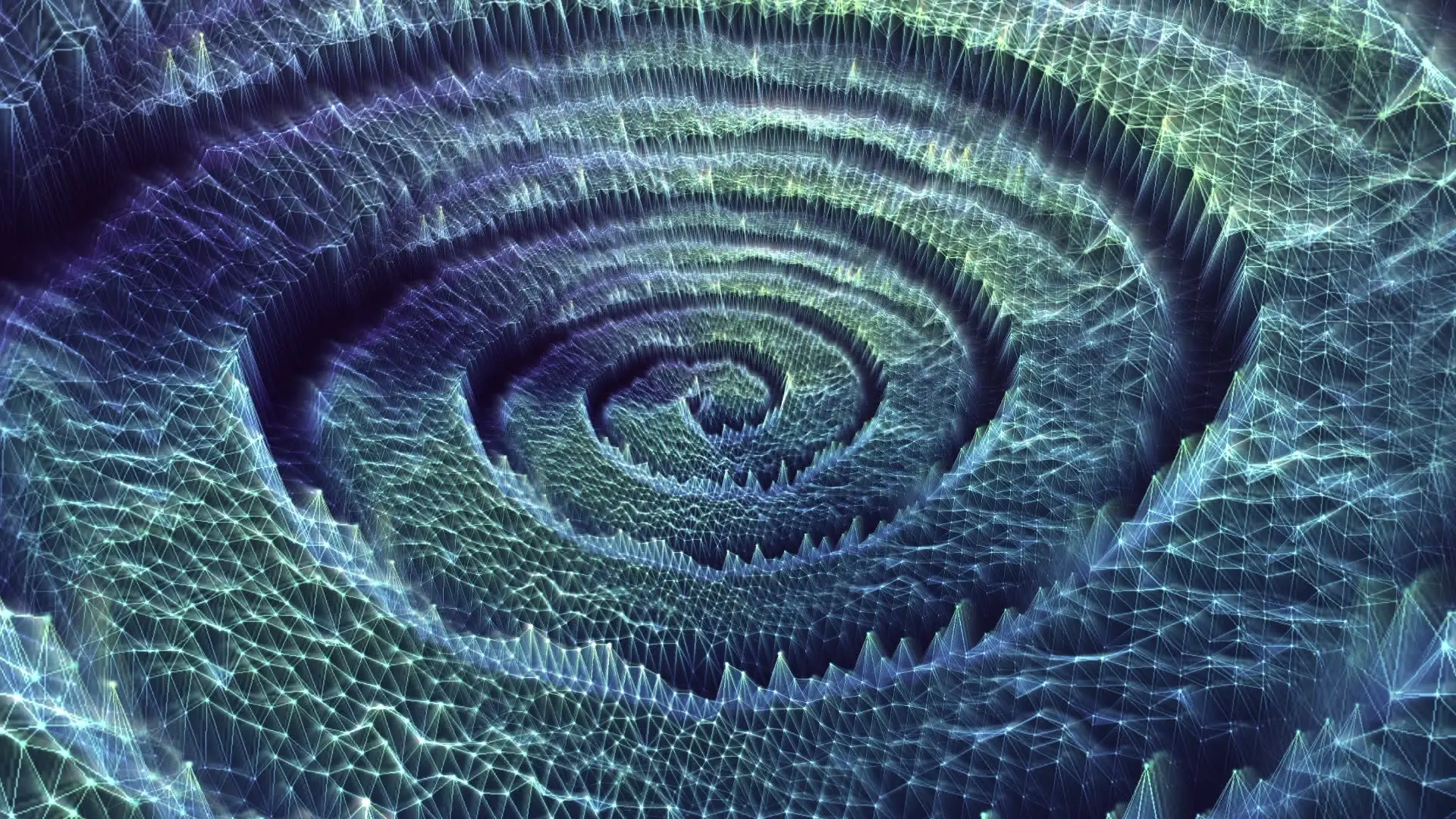
Turn the room into the show.
Full-screen it, plug in a TV, walk away.