Sound Visualizer
vizz.fm is a real-time sound visualizer. Point it at any sound: music, a microphone, an instrument, system audio, or a live stream, and watch the waveform and frequencies turn into 3D visuals right in your browser.
See it in action
Click any preview to run it with your own music
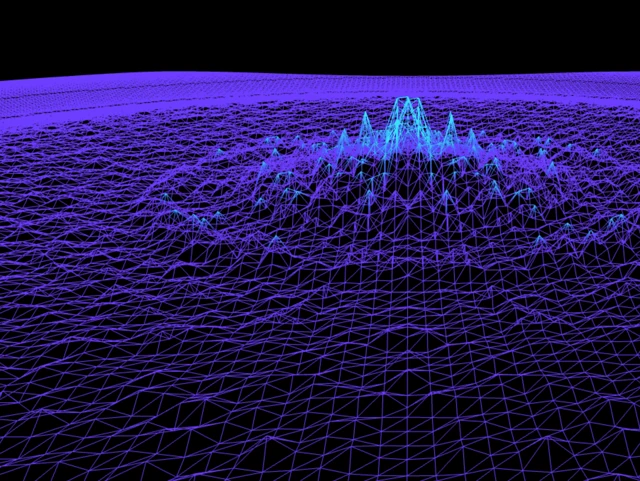
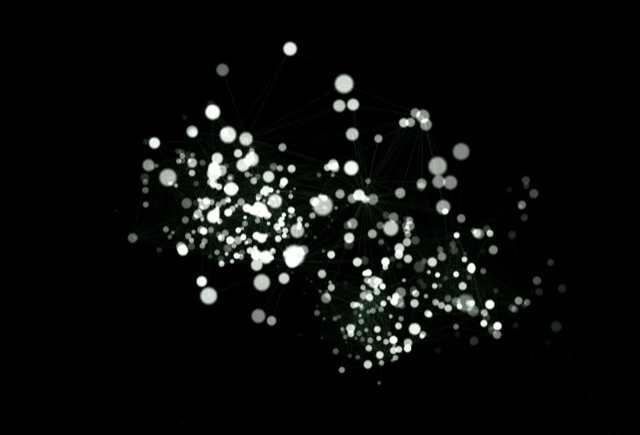

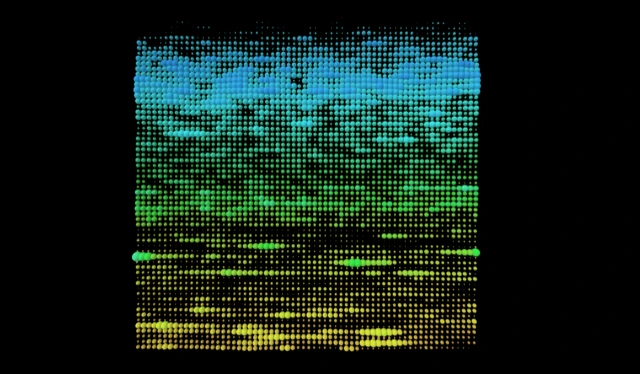
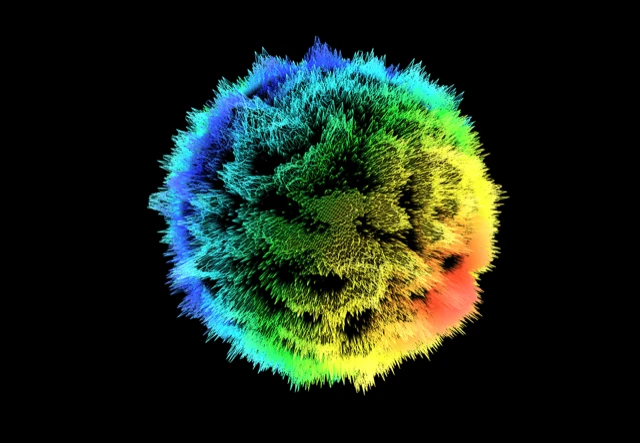
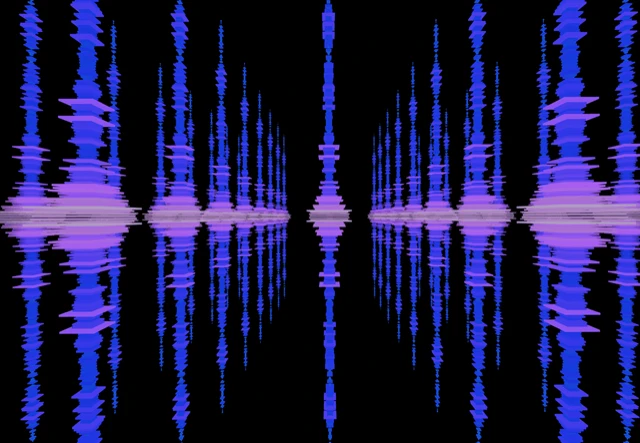

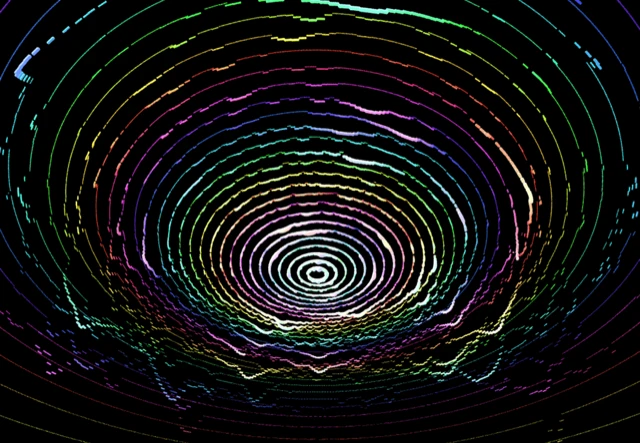
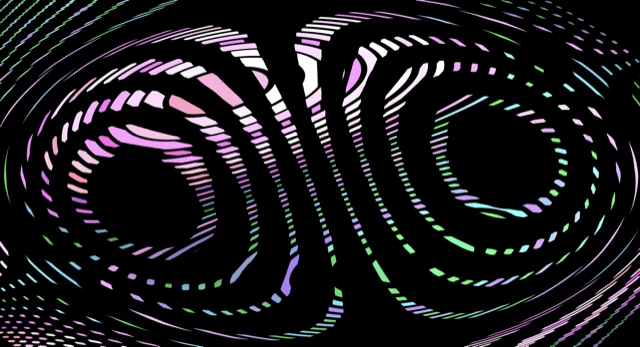
Sound is invisible, which is a shame, because it's doing a lot. The bass you feel in your chest, the shimmer of a hi-hat, the swell of a pad, the texture of a voice. A sound visualizer makes all of that something you can actually see, in real time, as it happens.
vizz.fm listens to whatever sound you give it and renders it as reactive 3D geometry. It runs a live FFT (frequency analysis) on the incoming audio and drives dozens of WebGL scenes from the result, so the visuals move with the sound instead of just pulsing to the volume.
What you get
Dozens of visualizers
Particle systems, waveforms, 3D meshes, shaders, reactive spheres, all WebGL-powered and running at 60fps.
Full customization
Every visualizer has its own controls for colors, speed, intensity, and geometry. Tweak everything in real time.
Post-processing effects
Layer kaleidoscope, bloom, CRT scanlines, and more on top of any visualizer for completely unique looks.
Preset system
Save your favorite combinations and switch between them instantly. Great for live use and experimentation.
Audio-driven controls
Wire any slider to respond to bass, mids, or treble. Your visuals become truly driven by the music, not just reacting to volume.
Multiple audio sources
Upload files, use your microphone, stream URLs, or capture system audio from Spotify, YouTube, and more.
Real-time, not pre-rendered
Some "sound visualizers" are really just video generators: you upload a file, wait, and download a clip. vizz.fm is live. It analyzes the sound as it plays and renders at 60fps with no perceptible latency, so you can watch, tweak, and perform with it in the moment.
Because it works on the raw sound and not one specific app, the source doesn't matter. Plug in a microphone to visualize a room, a voice, or an instrument. Capture system audio to visualize anything playing on your machine. Wire individual controls to bass, mids, or treble so the visuals respond to the exact part of the sound you care about.
Connect any audio source
vizz.fm works with whatever you're listening to. Upload local files (MP3, WAV, FLAC), use your microphone to pick up room audio, or capture system audio from any app via screen sharing or a virtual audio device.
We have dedicated guides for Spotify, YouTube, Apple Music, SoundCloud, Tidal, and Amazon Music.
Use it for anything
Everything happens in real time, so whether you're adding visuals to a stream, performing a DJ set, throwing a party, or just listening to an album in a dark room, vizz.fm turns your music into something you can watch.
Missing the iTunes visualizer, the Winamp/Milkdrop era, or Windows Media Player's Alchemy? vizz.fm is the modern, browser-based successor.

Hear it, then see it.
Any audio source, reacting in real time.