Online Music Visualizer
vizz.fm runs entirely in your browser. No downloads, no plugins, no installation. Open the URL, connect your audio, and your music has visuals. Works on any modern browser.
See it in action
Click any preview to run it with your own music
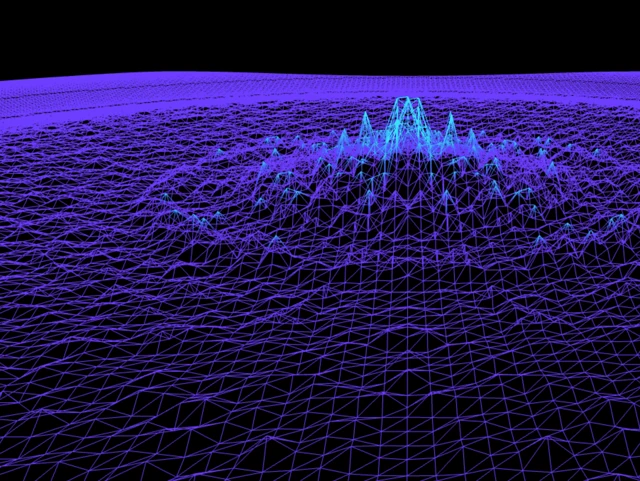


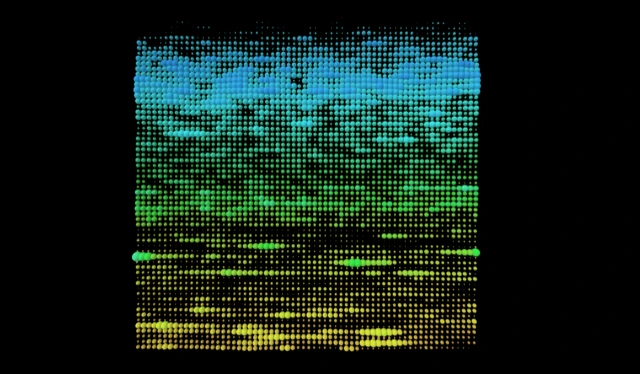
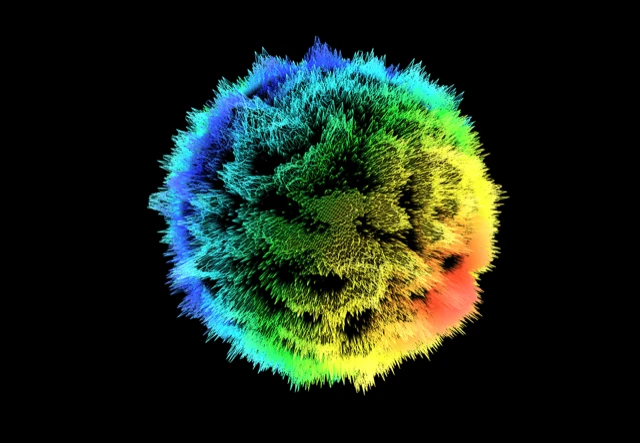
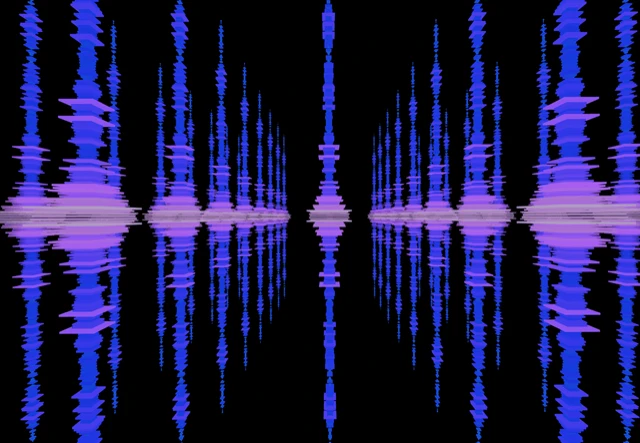



Desktop music visualizers are a pain. You download an installer, hope it's not bundled with adware, configure audio routing, maybe install a separate driver, and then pray it's compatible with your OS version. Half of them haven't been updated since 2015.
vizz.fm skips all of that. It's a web app. Open it in Chrome, Firefox, or Brave and it works. There's nothing to install, nothing to keep updated, and no compatibility issues to debug. If your browser can run WebGL (which every modern browser can), you're good.
What you get
Dozens of visualizers
Particle systems, waveforms, 3D meshes, shaders, reactive spheres, all WebGL-powered and running at 60fps.
Full customization
Every visualizer has its own controls for colors, speed, intensity, and geometry. Tweak everything in real time.
Post-processing effects
Layer kaleidoscope, bloom, CRT scanlines, and more on top of any visualizer for completely unique looks.
Preset system
Save your favorite combinations and switch between them instantly. Great for live use and experimentation.
Audio-driven controls
Wire any slider to respond to bass, mids, or treble. Your visuals become truly driven by the music, not just reacting to volume.
Multiple audio sources
Upload files, use your microphone, stream URLs, or capture system audio from Spotify, YouTube, and more.
Browser-based, not browser-limited
Running in the browser doesn't mean compromising on quality. vizz.fm uses WebGL and Three.js for GPU-accelerated rendering, the same technology behind browser-based 3D games. The visuals run at 60fps and respond to real-time frequency analysis with no perceptible latency.
The browser-based approach also means you can run it on anything with a screen. A laptop, a desktop, a Chromebook, a tablet, even a smart TV with a web browser. Connect via HDMI to a projector for parties, or open it on a second monitor during work. No software installation means no restrictions on where you use it.
Connect any audio source
vizz.fm works with whatever you're listening to. Upload local files (MP3, WAV, FLAC), use your microphone to pick up room audio, or capture system audio from any app via screen sharing or a virtual audio device.
We have dedicated guides for Spotify, YouTube, Apple Music, SoundCloud, Tidal, and Amazon Music.
Use it for anything
Everything happens in real time, so whether you're adding visuals to a stream, performing a DJ set, throwing a party, or just listening to an album in a dark room, vizz.fm turns your music into something you can watch.
Missing the iTunes visualizer, the Winamp/Milkdrop era, or Windows Media Player's Alchemy? vizz.fm is the modern, browser-based successor.

Nothing to install.
Open a tab and you're already running it.