Milkdrop Visualizer, Reimagined for the Browser
Milkdrop set the bar for music visualization and nothing since has quite matched it. vizz.fm carries that spirit into the browser: real-time, GPU-rendered, endlessly tweakable, and free. Nothing to download.
What happened to the Milkdrop Visualizer?
Milkdrop was written by Ryan Geiss in 2001 as a visualization plugin for Winamp, and it is still the benchmark every music visualizer gets measured against. It rendered beat-reactive psychedelia on the GPU: fractal flames, warping tunnels, melting geometry, all driven by per-frame frequency analysis of whatever you were playing.
Its real genius was the preset system. Each preset was a small program: waveform equations, motion equations, and pixel shaders that authors hand-tuned and traded online. A community of preset artists (Geiss himself, Rovastar, Flexi, Martin, and hundreds more) spent two decades building a library of tens of thousands of them, each with its own personality.
Then Winamp faded. Milkdrop 2 was open-sourced and the code lives on in the projectM library and in Butterchurn, a WebGL port that can replay classic presets. But the thing that made it magic, pressing play in your music player and having world-class visuals just happen, went away with the player it lived inside.
It wasn't alone. Windows Media Player, Winamp, and iTunes went the same way, and the story of why every major player dropped its visualizer is its own article.
What made it special
Milkdrop never treated visualization as decoration. Presets listened to the music: bass hits warped the whole canvas, treble shimmered through the color field, and transitions between presets were themselves animated. On 2003 hardware it ran smoothly at full screen, which still feels slightly impossible.
And it rewarded curiosity. You could hit a key to jump to a random preset, dig into the equations behind one you loved, and change them. That combination of instant gratification on the surface and infinite depth underneath is what people are really missing when they go looking for Milkdrop twenty years later.
Meet vizz.fm
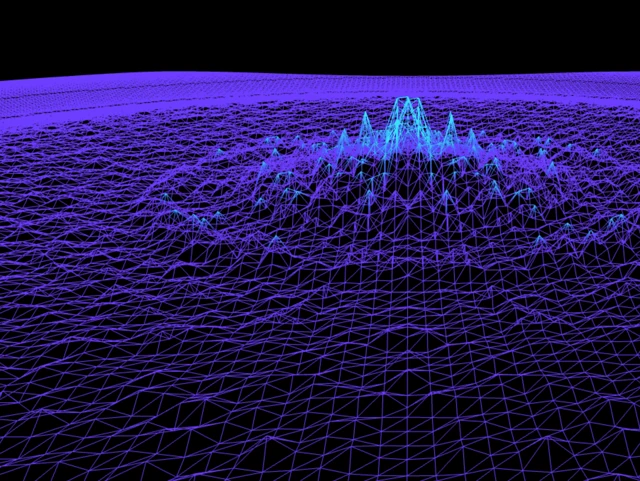
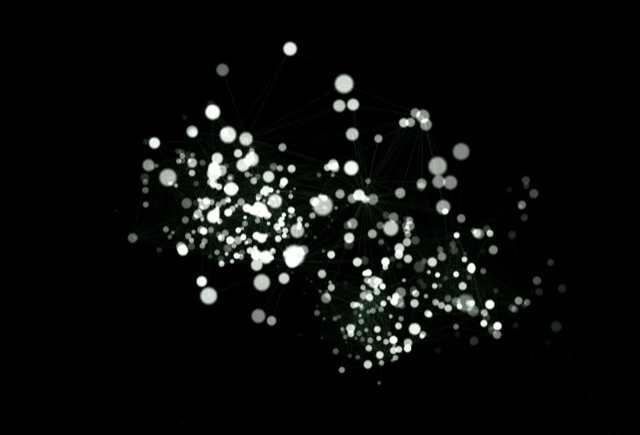
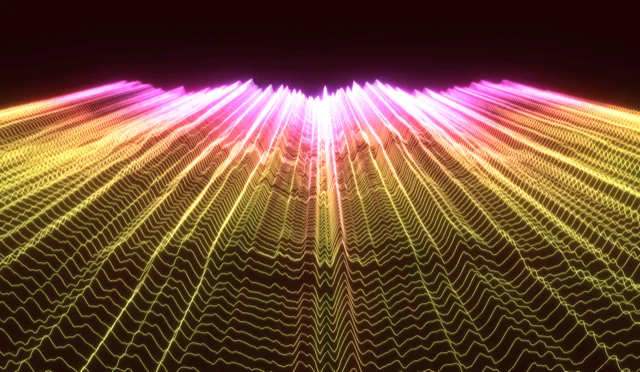
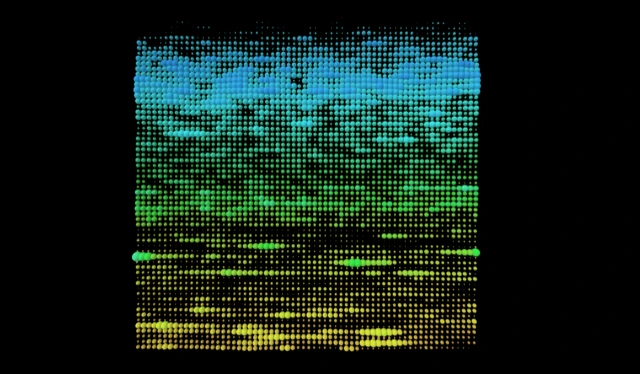
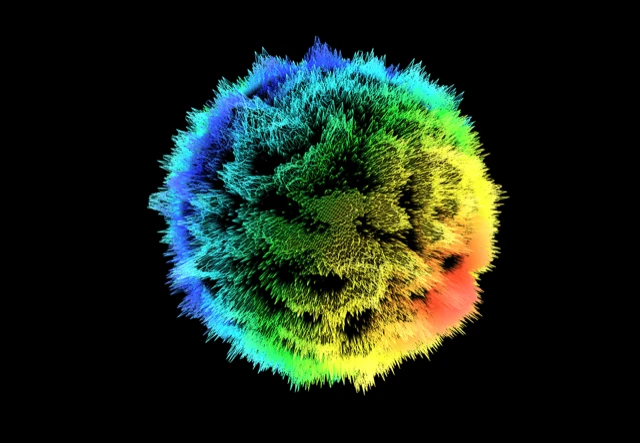
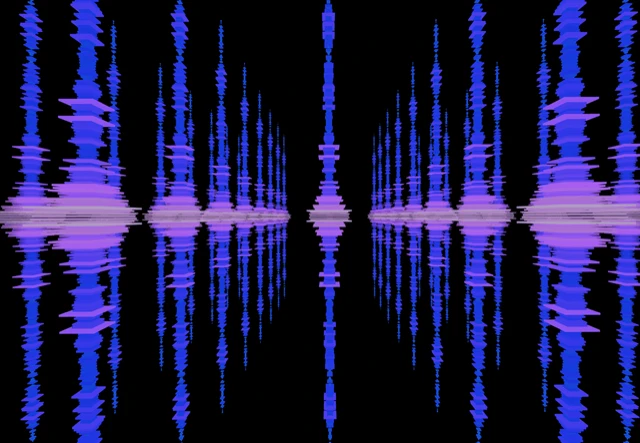
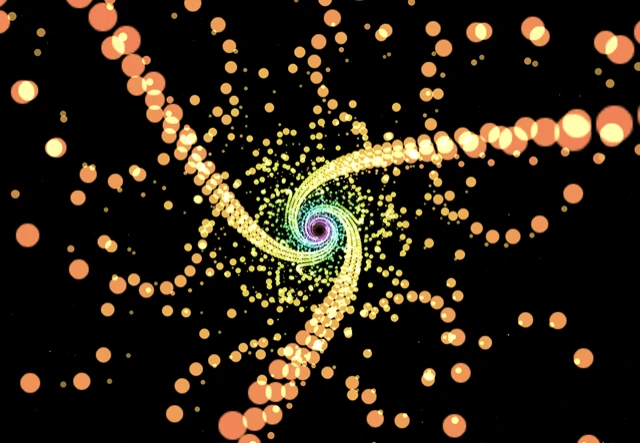
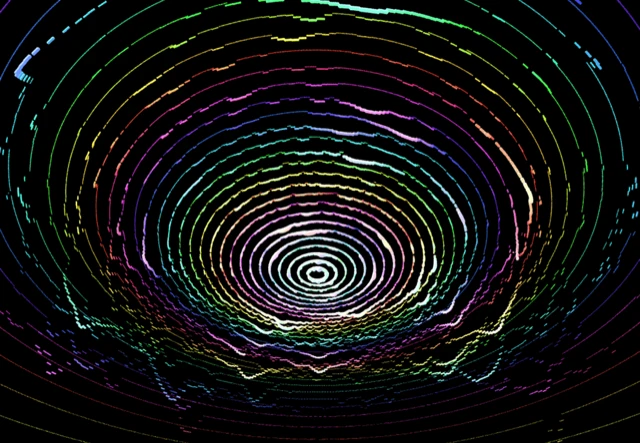
vizz.fm is built on the same convictions: visuals computed from the actual audio every frame, rendered on the GPU, running smoothly at full screen. It is not a Milkdrop emulator. It is a modern WebGL visualizer with its own scenes: particle systems, mesh grids, shader plasmas, tunnels, waveforms, and more, each one reactive to bass, mids, and treble independently.
The Milkdrop depth is there too. Every scene exposes its parameters, and you can bind any slider to a specific frequency range, so the bass drives the geometry while the treble pushes the color. Save the combinations you like as presets, morph between them with animated transitions, and share any of them as a link.
Where Milkdrop needed Winamp, a plugin folder, and a Windows machine, vizz.fm needs a URL. It runs on Windows, Mac, Linux, and even phones, and it visualizes anything: Spotify, YouTube, local files, a microphone, or your computer's system audio.
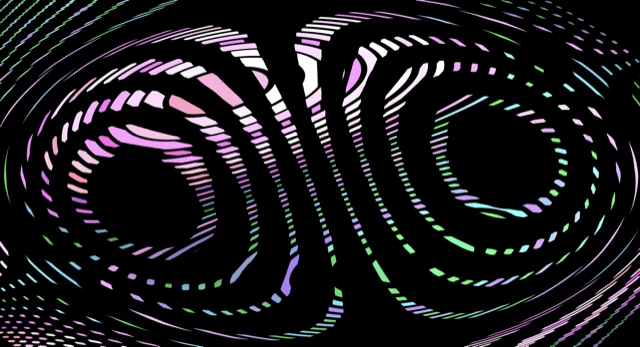
See it in action
Click any preview to run it with your own music
Getting started
vizz.fm runs entirely in your browser. There's nothing to install and no account to create.
Open vizz.fm
Head to the free music visualizer app in any modern browser. Chrome, Edge, and Brave all work great.
Connect your audio
Upload a file (MP3, WAV, FLAC), use your microphone, or capture your system audio to visualize whatever's playing on your computer.
Pick a visualizer and customize
Browse the available scenes, tweak the controls, and save your favorites as presets. Every parameter is adjustable in real time.
Common questions
The spirit of Milkdrop, no install required.
Free, in your browser, reacting to your music in seconds.