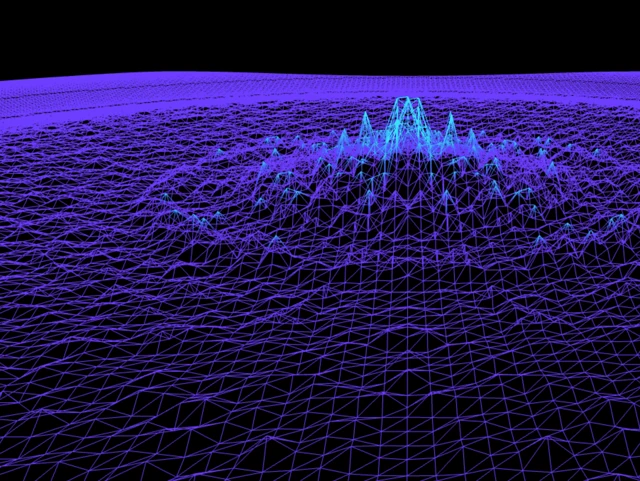
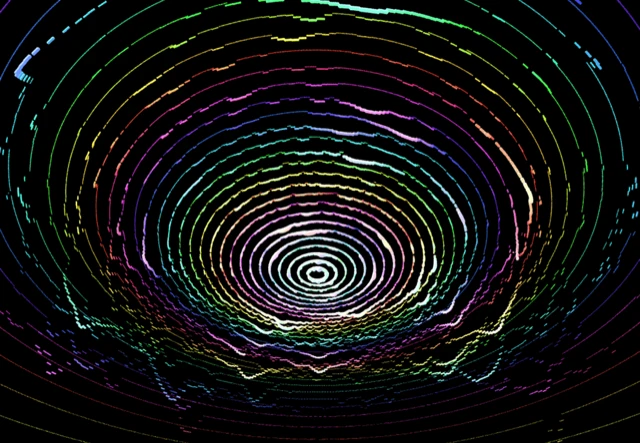
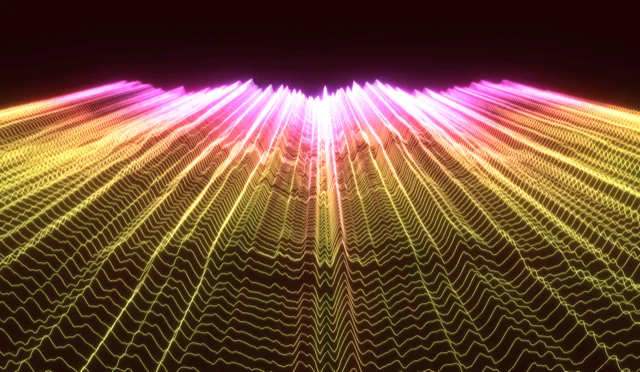
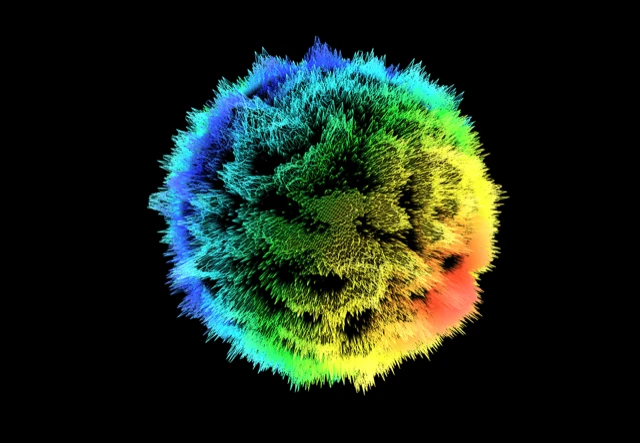
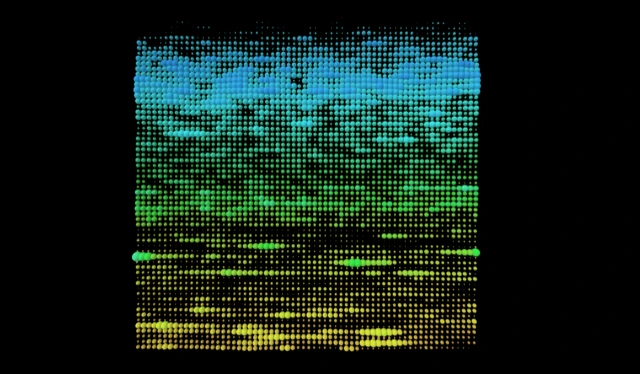
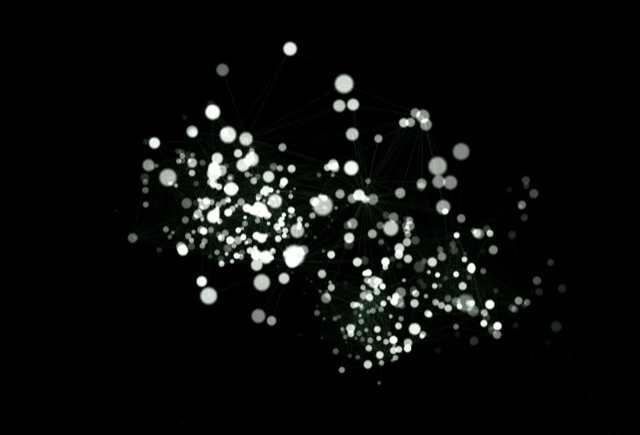
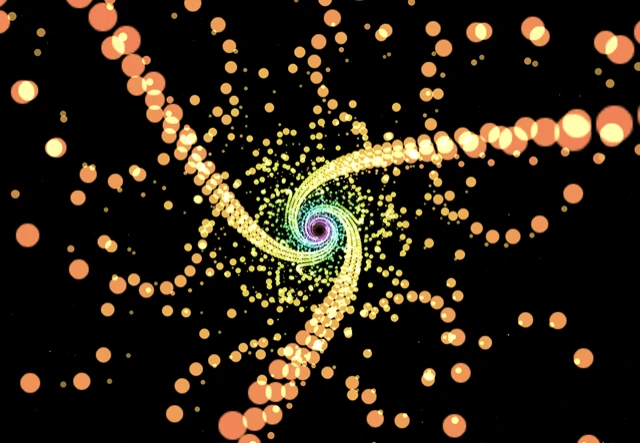
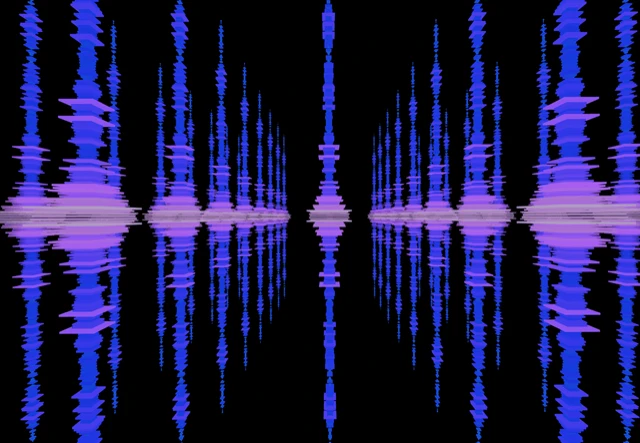
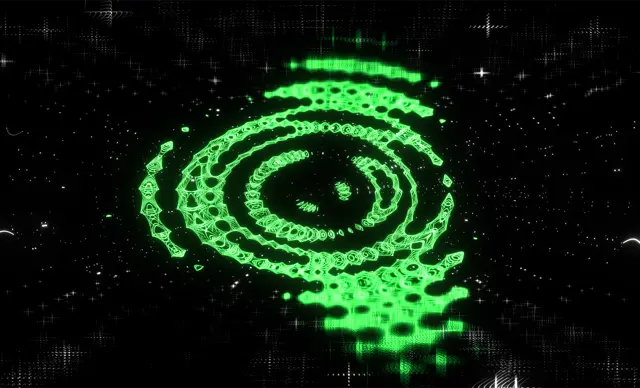
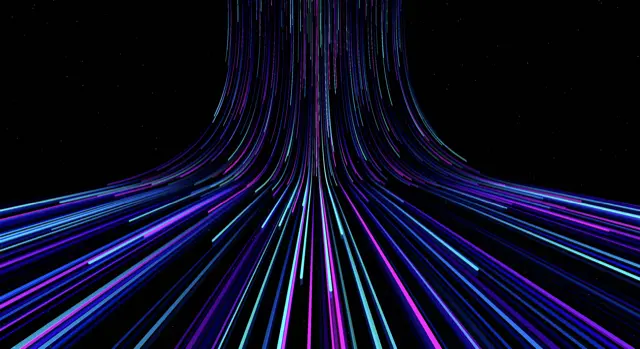
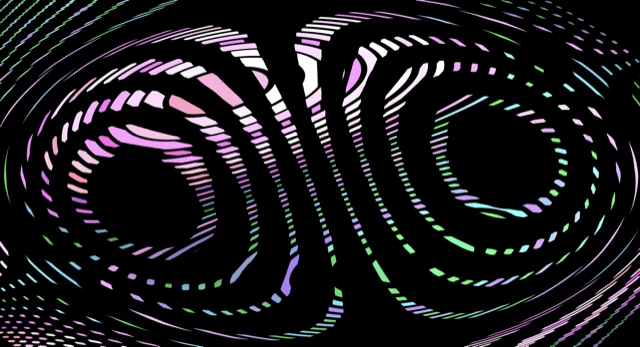
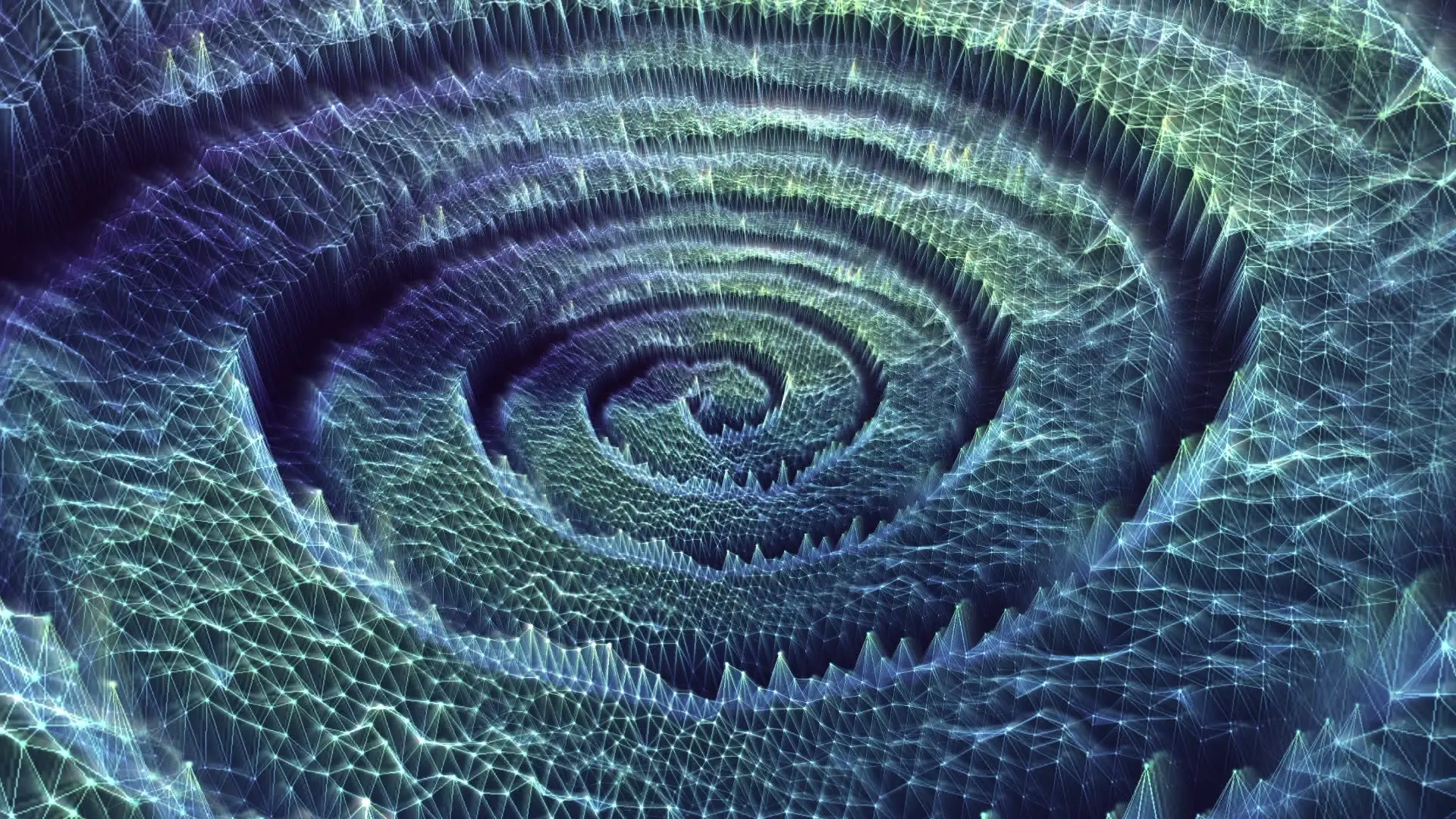
11 scenes, over 70 built-in presets, and endless control. Free, real-time, in your browser. Below are unedited screenshots straight out of the app, and every one of them looks even better in motion.
Start from a scene
Each scene is its own engine: its own geometry, its own controls, its own presets, all reacting to bass, mids, and treble independently. Click a card and it opens in the app, ready to move with your music.
Yes. Every scene in the gallery is free, with no account, no trial, no watermark, and no paid tier. Click any card and it opens in the app, ready to react to your audio.
Every parameter is adjustable in real time: colors, geometry, speed, intensity, camera, and post-processing effects like kaleidoscope and bloom. You can bind any slider to a frequency range, save your combinations as presets, morph between presets, and share them as links.
Open a scene, click the audio source button, and connect anything: an audio file, a microphone, or your computer’s system audio via screen sharing, which visualizes Spotify, YouTube, Apple Music, or any other app.
They react. Every frame is computed live from frequency analysis of your audio: bass, mids, and treble each drive different parts of the scene. Nothing is pre-rendered, which is why the same preset looks different with every song.
Yes, with a screen recorder. OBS captures the visualizer cleanly (here is the two-minute setup), and any screen recording tool works the same way. Built-in video export is coming to the app; there is a waitlist inside it.
Any modern browser with WebGL, which is virtually all of them, on desktop or mobile. No install, no account, no plugins. The only version requirement applies to capturing system audio (Chrome 141+ and macOS 14.2+ on Mac); the visualizer itself runs anywhere.
Find the one that fits your music.
Free, real-time, in your browser. No account, no download.